As an Amazon Associate, we earn from qualifying purchases. Some links on this site are affiliate links at no extra cost to you. Our recommendations are based on thorough research and editorial judgment.


How To Use Templates For Scrapbooking Projects

Using templates for scrapbooking projects can simplify our creative journey! We start by choosing a digital platform like Canva, where we can find hundreds of customizable templates. 🖨 Next, we place our photos in the layout, focusing on key images and using grids for balance. We can easily adjust colors and fonts to fit our theme. Don’t forget to incorporate journaling cards for personal touches. 📄 For more tips on making the most of templates, keep going!
Key Takeaways
- Explore digital platforms like Canva for a wide range of customizable scrapbook templates tailored to themes like birthdays and travel.
- Use the drag-and-drop functionality to easily place photos and design elements without needing advanced design skills.
- Align photos using placeholders and varied sizes to create visually appealing layouts that capture attention.
- Customize templates by adjusting colors, fonts, and layer styles to match your chosen theme and personal vibe.
- Print and assemble the scrapbook pages, ensuring you use acid-free materials to preserve photo quality over time.
Exploring Various Scrapbook Template Options
When we start exploring scrapbook template options, we quickly find that there are a multitude of choices available to suit our crafting needs. 🖼 Whether we’re looking for something digital or prefer the tactile nature of physical templates, there’s a perfect option for everyone.
Digital platforms like Canva offer over 800 customizable templates across various scrapbook themes—think birthdays, holidays, or travel! They let us easily drag and drop images and text without needing design skills. Plus, we can collaborate with friends on these projects by sharing editable links for group creations. Additionally, incorporating acid-free materials ensures that our scrapbook pages remain vibrant and free from yellowing over time.
For those who love hands-on crafting, reusable Mylar templates or preprinted kits let us shape and create physically. Each option enhances our creativity while streamlining the scrapbooking process!
Understanding Template Layouts for Photo Placement
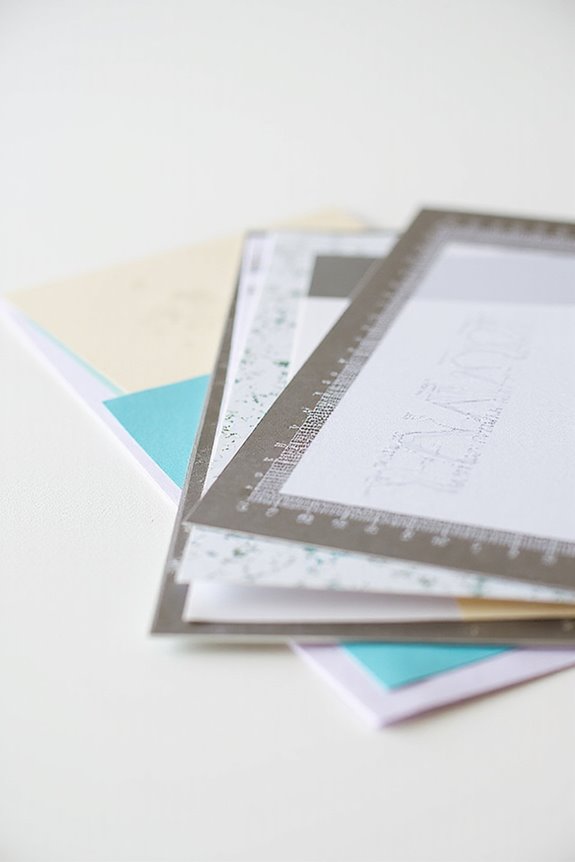
Template layouts play a significant role in enhancing photo placement within our scrapbook projects. To create an engaging layout, we should focus on proper photo alignment and layout balance.
- Place our subjects so they face toward the center to naturally guide attention.
- Use placeholders to visualize our configurations before printing.
- Combine various photo sizes to emphasize key images and maintain flow.
- Arrange photos in patterns, like grids or diagonals, for ideal space usage.
- Stagger groups or use pocket inserts for additional photos without cluttering pages. Additionally, consider incorporating scrapbook journaling cards to add personalized notes and reflections that complement your photo layouts.
Techniques for Customizing and Editing Templates
Customizing and editing templates can truly elevate our scrapbook projects, allowing us to reflect our unique style and story. Here are some techniques we can use:
- Layer Blending: Adjust transparency to blend elements and create subtle effects.
- Layer Removal: Simplify templates by removing unnecessary layers, directing focus to key visuals.
- Color Customization: Change backgrounds to coordinate with themes, or apply filters for different tones.
- Font Pairing: Replace template text with personalized titles, and choose fonts that fit the page mood.
- Element Resizing: Scale photos to emphasize memories and reposition elements for better balance.
Additionally, consider using acid-free adhesives to ensure that your scrapbook materials remain safe and preserved over time. Experiment with these techniques, and watch your scrapbook transform into something truly personal and engaging!
Recommended Products

ELIMINATE MEASURING HASSLE: Achieve perfectly even borders and mats without ever picking up a ruler. Simply place the guide against your paper edge for instant, precise layering.

Premium Quality : Made From Flexible, Yet Sturdy Material. Resilient and Convenient to Use

Material: These templates are made of reselient plastic so it may be bend in transit, you just need to straighten it
Advantages of Utilizing Templates in Scrapbooking
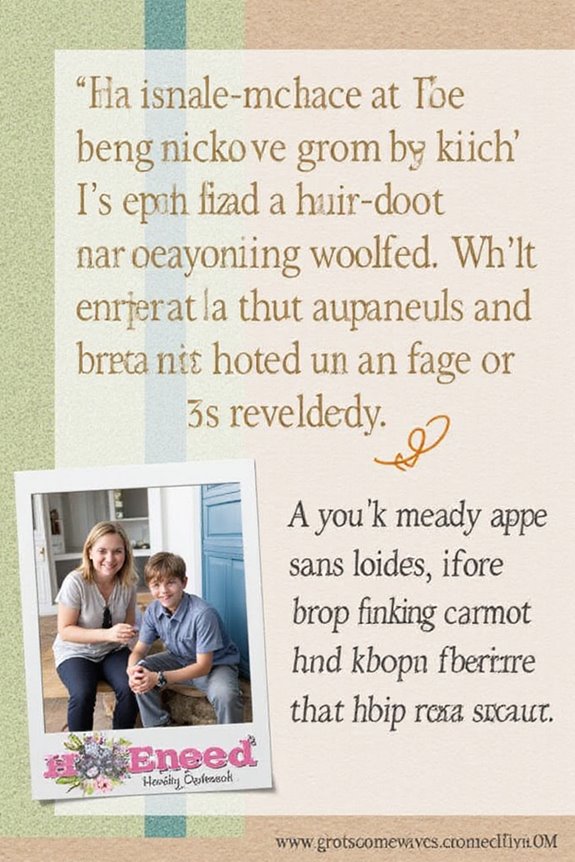
Using digital templates also minimizes the need for physical supplies, reducing clutter and costs. Plus, they let us experiment without damaging our original materials. Let’s embrace templates and elevate our scrapbooking adventures! 🖼 Additionally, incorporating vintage scrapbook paper packs can enhance your projects with unique designs and textures.
Essential Tools and Resources for Template Application
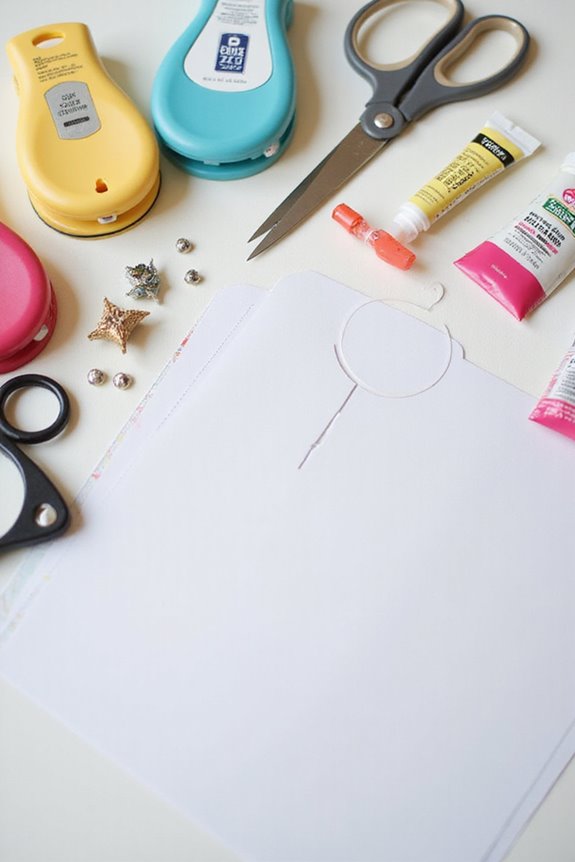
Creating beautiful scrapbook pages is all about having the right tools and resources at your fingertips. For effective template design, we should explore various options that enhance our creative process.
🔹 Digital Platforms: Tools like Canva provide customizable templates with drag-and-drop interfaces.
🔹 Physical Crafting Tools: Scissors, craft knives, and adhesives guarantee clean cuts and strong bonds for physical templates.
🔹 Grids and Guides: Using these features in software helps us maintain consistent spacing and layout precision.
🔹 Resource Libraries: Online communities offer templates, tutorials, and inspiration to kickstart our projects. Additionally, utilizing acid-free materials is essential for preserving the quality of your scrapbook photos.
When considering tool selection, pairing digital and physical tools will streamline our scrapbook experience, making every project enjoyable!
Recommended Products

Sticky & Safe to Use: Our double sided tape for crafts was made of high quality glue, it is sticky but not destructive and will help to save your scrapbook or photos for a long time

Features a dual-tip applicator with a broad sponge tip for covering large areas and a fine tip for precise application, catering to various crafting needs.

Enhanced Tape Runner Design for Scrapbooking: Looking for a scrapbook tape runner that won't give you a hard time? MARCADORUS tape runners are expertly engineered for an effortless experience, making them an essential tool for any scrapbook enthusiast. Our double-sided scrapbook tape ensures a smooth application every time, leaving behind no frustration or wasted time. With our adhesive roller, you can count on a reliable hold, while the photo tape secures your memories without damage.
Tips for Choosing the Right Template for Your Project
When we’re diving into the world of scrapbooking, one of the biggest decisions we face is choosing the right template for our projects. 🤔 So, how do we find that perfect match?
Here are some tips:
- Color Themes: We should prioritize templates that harmonize with our photos. Consider using a color wheel to find complementary shades. Avoid colors that clash or overpower our images.
- Layout Styles: Think about the event—make sure the template reflects the occasion without overwhelming our photos. Choose layouts that fit our scrapbook size, often 6″x6″, 8.5″x11″, or 12″x12″.
- Adaptability: Look for templates that allow us to personalize elements easily, accommodating our unique style!
Recommended Products

VERSATILE DESIGN: Ocean wave metal cutting die perfect for creating beach-themed cards, scrapbooks, and paper crafts with intricate wave patterns

Mermaid theme: these painting templates are designed with the elements of sea horses, fish, shells, starfish, conches, seaweed, turtles, jellyfish, treasure boxes, etc., which can help you create different mermaid dream theme art

Ocean Wave Design: Intricate beach wave die cut patterns add coastal elegance to scrapbooking, card making, and paper craft projects.
Enhancing Templates With Creative Elements
To enhance our scrapbook templates with creative elements, it’s crucial to think about layering and texture.
- Layering Techniques: Start by layering multiple embellishments, using various materials like paper, fabric, and metal. This adds depth and visual interest. We can also use dimensional adhesives, like foam squares, to create height on our layouts.
- Embellishment Clusters: Group 3-5 elements to form cohesive clusters around a larger anchor piece, like a title or photo. Mixing shapes, such as circles and tags, keeps our design dynamic.
When positioning clusters, aim to support our storytelling, highlighting key photo areas or details. Experimenting with these techniques guarantees our templates are vibrant and engaging. 🖌✨
Recommended Products

Pre-Cut 3D Foam Squares add height and interest to the layers on your scrapbook pages, cards and mixed media projects

Thin Pre-Cut 3D Foam Squares add height and interest to the layers on your scrapbook pages, cards and mixed media projects

Package quantity: you can get 8 sheets of double-sided adhesive foam squares, 4 sheets of 1056 pieces small adhesive foam squares, 4 sheets of 264 pieces bigger adhesive foam squares, 1320 pieces adhesive foam squares in total, large quantity for you to use
Adapting Templates to Suit Your Storytelling Needs
Adapting templates to suit our storytelling needs can transform a simple scrapbook into a vivid narrative. To begin, we should identify our core story themes before selecting a template. This helps us guarantee photo placements and journaling spots reflect key emotions.
- Customize photo areas: Adjust sizes or numbers to fit our story perfectly.
- Prioritize journaling spots: More space allows for richer storytelling.
- Rearrange embellishments: Tailor these to match the mood of our memories.
Can I Use Physical Photos With Digital Templates?
Yes, we can definitely use our physical photos with digital templates! By photo scanning them at high resolution, we’re enabled to customize templates and create beautiful layouts that merge our cherished memories with modern design.
Are There Templates Specifically for Themed Events?
Yes, there are plenty of themed templates for event scrapbooking! They cater to occasions like birthdays, weddings, or holidays, making it easier for us to showcase our memories beautifully and creatively. Let’s explore them together!
How Do I Print Digital Templates at Home?
When we’re printing digital templates at home, we love using various printing techniques. We should consider the template sizes carefully, opting for 8.5×11 inches or A4 to guarantee everything fits our printers perfectly.
Can Templates Be Used for Projects Other Than Scrapbooking?
Like a chameleon adapting to its surroundings, templates showcase remarkable versatility in various projects. They spark our crafting creativity, aiding everything from card making to DIY decor, ensuring every creation is uniquely ours.
What File Formats Are Best for Downloading Templates?
When downloading templates, we find JPEGs great for previews due to their smaller file sizes and compatibility. PNGs, with their transparency feature, allow us to create detailed designs, enhancing our creative possibilities.